
The short answer
Capture what is on your mind, review each item for meaning, and decide what to act on, keep, or set aside. Use BigPlan’s lists and notes for the full picture, then schedule only the next steps you choose.
A brain dump gives scattered thoughts a place to land. Reviewing it gives those thoughts a useful direction. The list may include promises, errands, creative ideas, half-formed questions, and projects that are much larger than one task. Working through them in a separate review helps you see what each item needs. In BigPlan, you can keep the original context in notes, group related items, and break larger work into subtasks before choosing what belongs on the timeline. This workflow is especially useful after a busy week or before planning a day with several competing demands.
Worked example
From a crowded Sunday list to a doable Monday
You capture five loose ends: renew the insurance, rethink the website, find the café a friend mentioned, ask about Friday’s delivery, and start exercising again. During review, check the insurance renewal date and write the next step: “Compare the renewal quote.” Make Website ideas a list and save the rough concepts in item notes. Keep the café as an undated idea, turn the delivery question into a follow-up task, and choose one short walk as the first exercise step. For Monday, bring the quote comparison and delivery follow-up onto the timeline alongside existing commitments. The other thoughts have a home without filling the day.
A practical workflow
Review, decide, and choose what comes next
Capture the loose ends before arranging them
Give yourself a short period to add whatever you want to remember to a Thoughts list. Use one item for each distinct idea or responsibility. Include unfinished questions and possible projects along with practical tasks. Keep the wording rough if that helps you continue. You can clarify it during review once the full set is in front of you.
Ask what each item needs
Read one item at a time. Is it an action, a larger outcome, a question, or something useful to remember? “Website” might need a clearer brief before it becomes actionable. Add that meaning to its title or note. This small decision gives the thought a direction and makes it easier to choose where it belongs.
Save reference and future ideas where they belong
Move useful material into the relevant list and keep supporting details in its note. A café recommendation can live in a Places to try list. An early project idea can stay with other ideas for that project. Leave dates off items you have not chosen to do. Set aside ideas you no longer want so your review stays manageable.
Translate a large intention into a visible action
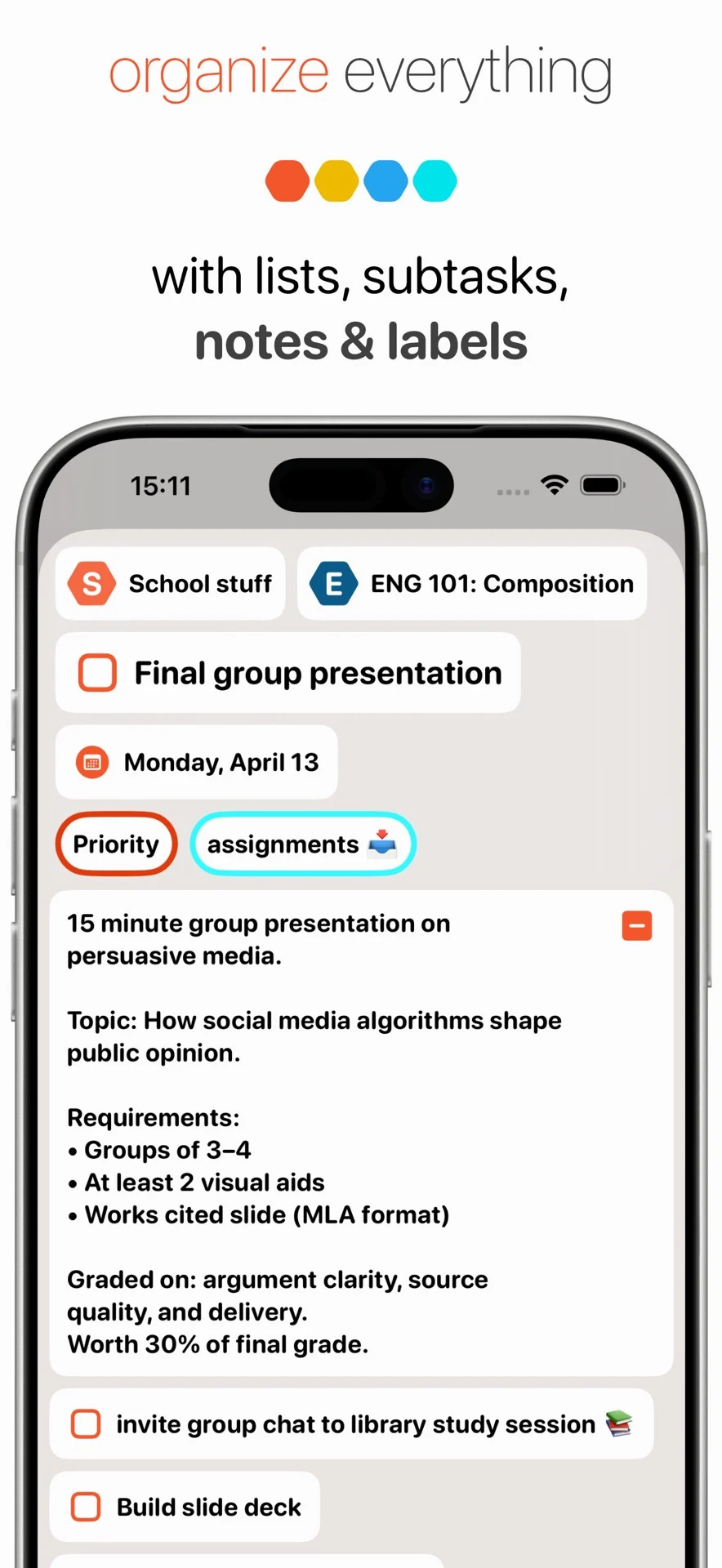
For a project such as “Rethink the website,” create a list or parent item and break the work into smaller steps. A useful first action could be “Write down three problems with the current homepage.” Use subtasks for the steps you can already name, and keep open questions in notes. You can develop the rest as the project becomes clearer.
Check real commitments and dependencies
Look for actual dates, promises, and information you need from other people. Record the date that matters and add a reminder when timing requires one. If you are waiting for an answer, a Waiting label can help you find the follow-up later. Check these commitments before choosing optional work so the plan reflects what needs your attention.
Choose a small plan that fits the day
Look at existing appointments and routines, then choose a few actions you can reasonably move forward. Bring those tasks onto BigPlan’s timeline and adjust their order as the day changes. The full brain dump remains in your lists, with its notes and context. You can return to it when there is room to take on another action.
Give the remaining thoughts another review
Choose a review rhythm you can maintain, such as a brief check at the end of the day and a longer look once a week. You can create a repeatable review task in BigPlan if a nudge helps. Revisit open questions, update next steps, and retire stale ideas deliberately. A review is successful when useful thoughts have a clear place to wait.
The useful result of a brain dump is a set of decisions you can understand: what you will do next, what needs more thought, and what you want to keep for later. BigPlan lets those decisions stay connected to the ideas and notes that led to them. Start with the next manageable action, then review again as your priorities change.