The short answer
Create a list called Thoughts, give each idea its own item, and add just enough context to recognize it later. Return to what you were doing, then review your captures at a time you choose.
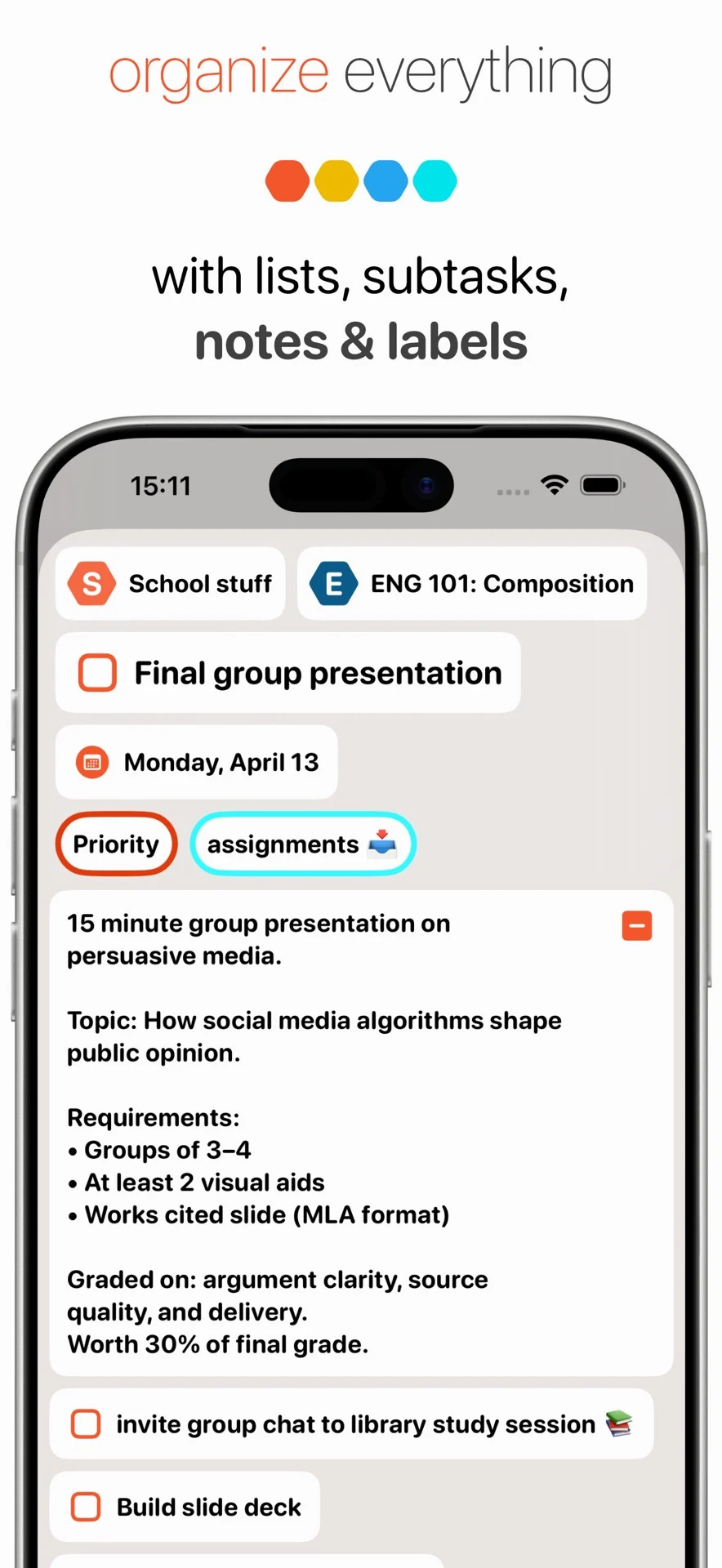
A useful idea rarely arrives on schedule. You remember a question during a meeting, think of a gift while making lunch, or spot a better approach halfway through another task. Capturing the thought gives it a place to wait while you continue. In BigPlan, a list can hold those loose ends, each item can carry a note, and labels can connect related ideas. The useful habit is to save what you want to return to. “Every thought” is an invitation to make room for ideas, including unfinished ones, at a pace that works for you.
Worked example
An idea in the middle of something else
You are drafting a presentation when you think, “We should ask customers where setup gets confusing.” Add an item called “Ask customers about confusing setup steps” to your Thoughts list. In its note, record the moment that prompted it: two people asked the same setup question this week. Leave it without a date and return to the presentation. At your later review, you can move the idea into the relevant project, keep the observation in its note, and add a smaller next step such as “Draft three setup questions.” The original context stays with the idea as it develops.
A practical workflow
Make room for a thought, then keep going
Choose one place to start
Create a list named Thoughts, Capture, or another name you recognize immediately. This is a list you set up for your own workflow. Use it for ideas, errands, questions, and things to revisit. Having a familiar destination removes a decision at the moment of capture. You can choose a more specific project or list during your review.
Give each thought a recognizable title
Save one thought per item so you can consider it independently later. Write “Gift idea: a pottery class for Sam” rather than “Sam,” or “Question: how long does setup take?” rather than “Setup.” A few distinctive words make the thought easier to recognize in a list and easier to find again with search.
Keep the context that will fade
Use the item’s note for the reason the idea matters, a phrase you want to preserve, or a detail you would otherwise forget. One sentence may be enough. For a question, record what prompted it. For a creative idea, save the rough wording before polishing it. Stop when you have enough information to pick up the thread later.
Let unfinished ideas stay unfinished
A thought can remain an undated item with a note while you decide what it means. You can capture “Could we make the workshop shorter?” without deciding the answer or committing to a project. Keeping the original question gives you something concrete to revisit, while allowing today’s plan to reflect the work you have actually chosen.
Return to the task you paused
Once the thought is saved, go back to the meeting, conversation, or task in front of you. Leave detailed sorting for a separate review unless the thought needs immediate attention. This makes capture useful during focused work: you preserve the interruption’s useful content and still have a clear point to return to in your current task.
Review the captures you want to keep
Choose a convenient review moment, such as the end of the day. Read each item and decide whether it belongs with a project, holds reference material, suggests an action, or deserves more thinking time. Move related items into lists and add a small number of useful labels. An idea can stay available without needing a date.
Bring a chosen action into your day
When a captured thought becomes something you intend to do, name the next concrete action and use subtasks if it needs several steps. Put the action on the timeline when you choose to work on it. Add a reminder for a real time commitment. The remaining ideas can keep their place in your lists until a later review.
Thought capture becomes useful when you can trust yourself to return to what you save. Start with one list, clear titles, and a short review. Over time, BigPlan can hold both the rough idea and the next action that grows from it, with notes preserving the connection between them.