The short answer
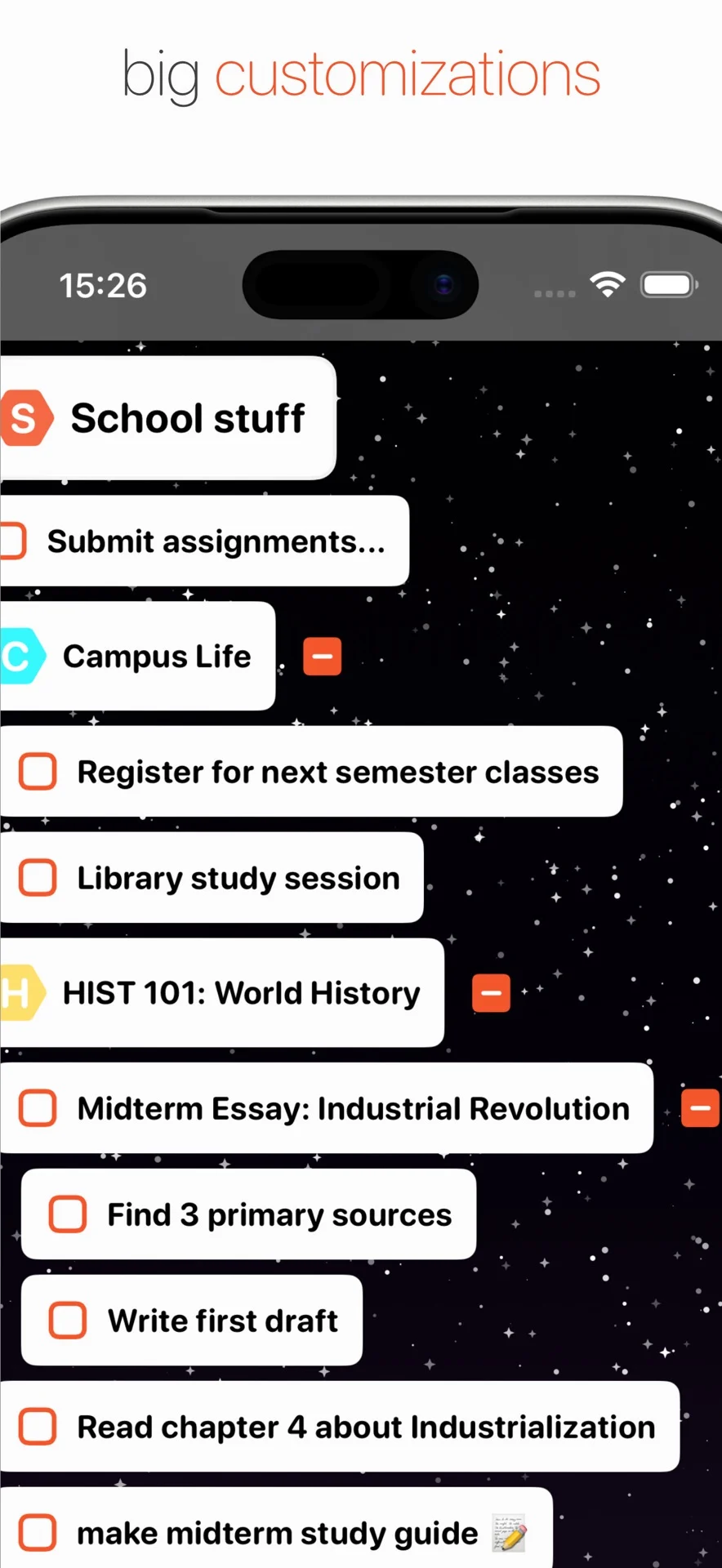
Gather your thoughts, group them by subject in lists, and use notes to explain what each idea means. Add labels for useful views across topics, then choose which ideas need an action and which can stay as reference.
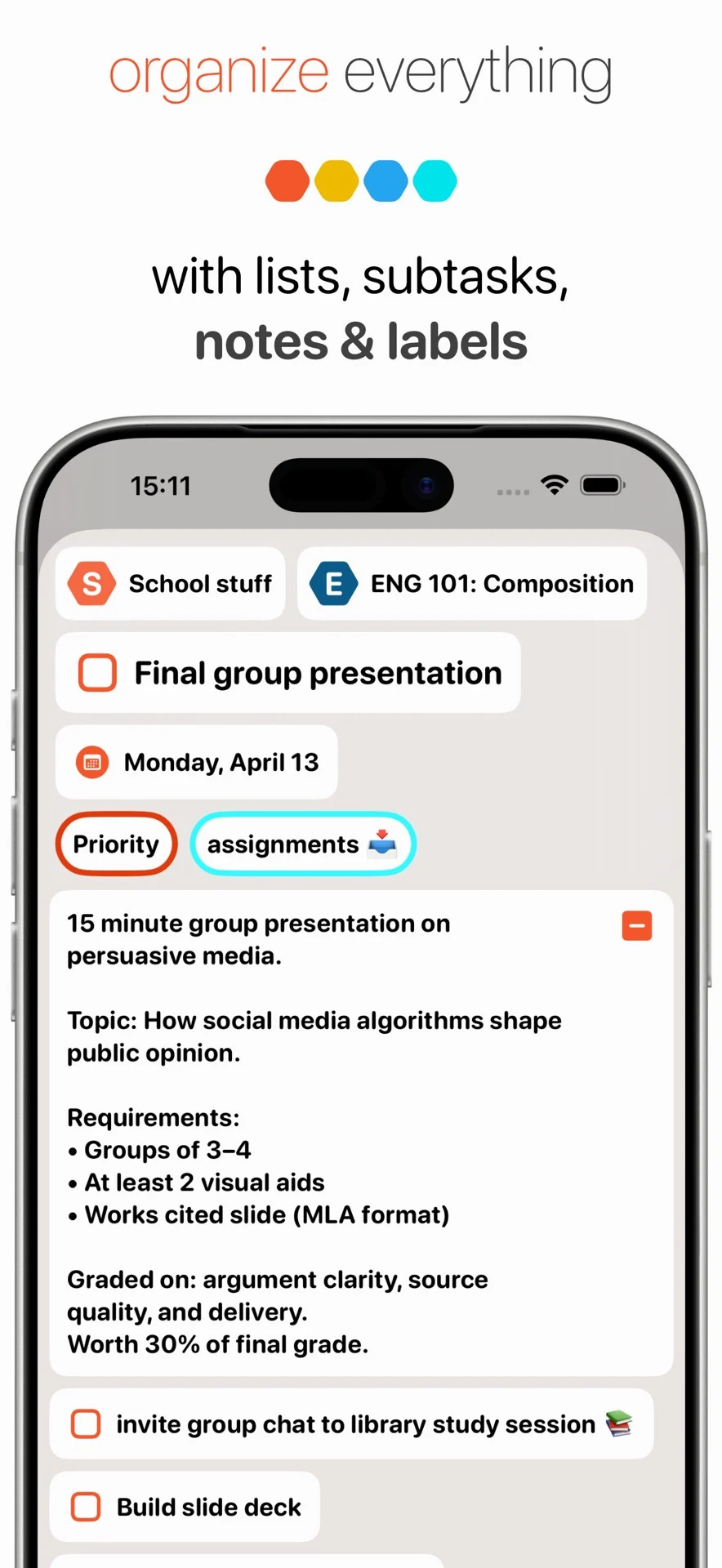
A thought organizer helps you see how pieces fit together. The same topic may contain a question, a useful observation, a decision to make, and a task you can do now. BigPlan’s lists give the topic a home, nested items show smaller parts, notes hold the reasoning, and labels connect ideas across lists. This structure is useful when you are thinking through a change, preparing a conversation, or shaping a creative project. You can keep the whole picture available while bringing a specific question or action into focus.
Worked example
Making sense of a possible move
Your Thoughts list contains “Need a quieter room,” “What would commuting cost?”, “Ask about the lease end date,” and “Could the spare room become an office?” Create a list called Home options and move these items together. Keep your reasons for wanting quiet in the first item’s note. Label open questions “Research” and the lease follow-up “Next action.” You now have a place to compare options and preserve what matters to you. Asking about the lease can move onto the timeline; the other thoughts stay available as you learn more. Organizing the ideas helps you decide what information you need before committing.
A practical workflow
Give each thought a useful home
Read for meaning before sorting
Start with a small batch of captured thoughts. Ask what each item is really about and add a sentence to its note if the title has become unclear. A vague “Office” might mean a room idea, a purchase, or a question for your manager. Clarifying that meaning first makes the later list and label choices more useful.
Group ideas around a subject or outcome
Create lists for topics you return to, such as Home options, Writing ideas, or Workshop plans. Move related items into the same list so you can review them together. Begin with a few broad groups and split a list when its contents show a real need. A structure based on your actual thoughts is easier to maintain.
Use nesting to show smaller parts
When a broad idea contains several pieces, give those pieces their own nested items or subtasks. “Plan a workshop” might contain audience questions, possible topics, and preparation tasks. Keep each smaller item connected to the larger idea it explains. This lets you inspect one part in detail and still understand where it fits in the wider project.
Keep reasoning and reference in notes
Use an item’s note for observations, constraints, draft wording, or reasons behind a decision. If “Try a shorter workshop” came from feedback, record that feedback beside the idea. When you revisit it, you can evaluate the original reason instead of reconstructing the conversation. Reference material can remain useful even when it has no next action or scheduled date.
Label the views you actually need
Lists answer “What does this belong to?” Labels can answer a different question, such as “Which ideas need research?” Create labels like Research, Discuss, or Next action if they help you review work across subjects. Start with a few and use label filters to bring that context into view. Add another label only when you need another useful view.
Find an idea using words you remember
Put distinctive subject words in titles so search can help you return to an item. “Workshop idea: a shorter setup exercise” is easier to recognize than “Another idea.” Search when you remember the phrase but have forgotten the list. Then open the item’s note for its supporting detail and continue your thinking from the context you already saved.
Choose a next step when the idea is ready
Review the organized topic and ask whether you need information, a decision, or a concrete action. Add a task such as “Ask the venue about capacity” when it will move the idea forward. Bring that task into your daily plan when you intend to do it. Keep exploratory questions and reference notes in the topic’s list for future use.
A useful thought-organizer workflow keeps ideas easy to understand, find, and develop. Lists provide the context, notes preserve the detail, and labels help you look across topics. Your daily timeline can then show the actions you have chosen while the broader thinking stays organized nearby.